RDB Expert 2025.11 has been released

You can join to the Telegram chat for discussion.

What’s new?

Added:

  1. Ability to delete and recreate a database.

Fixed:

  1. Errors preventing new database creation.
  2. Procedure parameters disappearing after recompile.
  3. Protocol version used when connecting to a database in native mode.
  4. Prematurely saving connection parameters when the connection panel loses focus.
  5. Navigating to a database object from the Query Editor if its name is not unique.

View the full list of updates and download

New release of free Database Workbench Lite Edition

Upscene Productions is proud to announce an update to the free Database Workbench Lite Edition, available for personal use for the Firebird or MySQL/MariaDB database system.

“Database Workbench Lite 6.8.4”

⬇️ You can download it here.
🔎 For a detailed feature comparison between the different editions, see the feature matrix.

Database Workbench Basic, Pro and Enterprise support the following database systems:
Firebird,
MySQL, MariaDB
✅ PostgreSQL
SQLite
✅ Oracle
✅ SQL Server
✅ NexusDB
InterBase

It includes tools for database design, database maintenance, testing, data transfer, data import & export, database migration, database compare and numerous other tools.

Stored procedure debugger Hopper 2.4 released

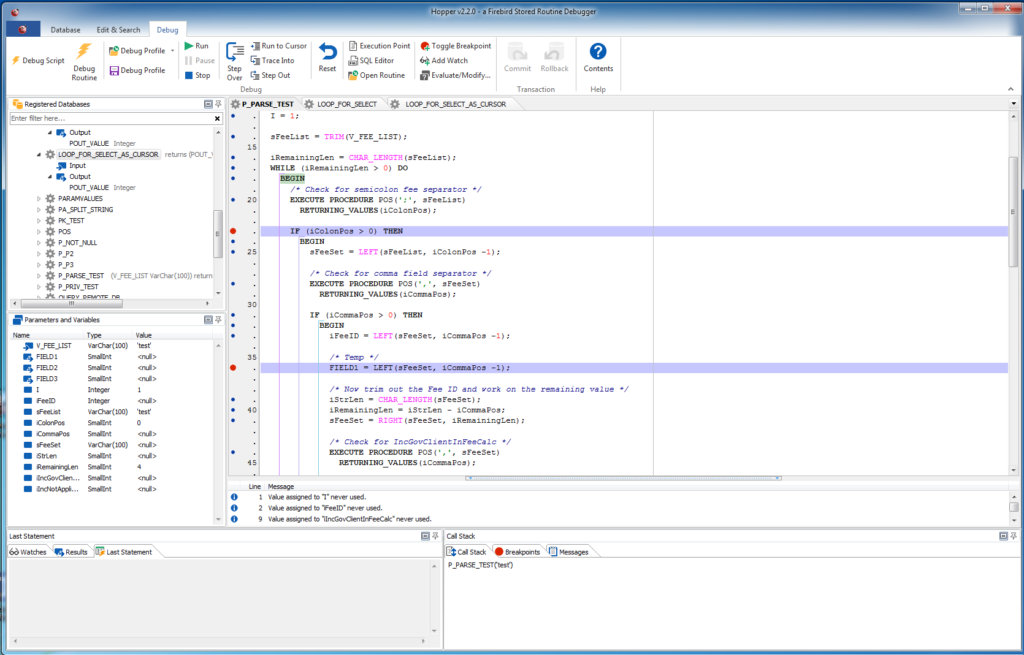
Upscene Productions is proud to announce version 2.4.0 of “Hopper”, a stored routine debugger available for InterBase, Firebird or MySQL.

✅ set breakpoints in stored code
✅ step through code command by command
✅ trace into other routines
✅ debug triggers
✅ inspect data while debugging

This release brings new features and bugfixes. For more information, check the Hopper page at our website.

RDB Expert 2025.10 has been released

You can join to the Telegram chat for discussion.

The development team has released a new version of the database management tool. In this release, special attention was paid to the refinement of existing tools.

What’s new?

Due to the new product name, the installers for Windows and Linux have been updated.

The Jaybird 5 driver has been updated to version 5.0.27.

Added:

  1. Ability to work with DDL rights and system privileges in the Grant Manager.
  2. Displaying dependencies for exceptions.

Fixed:

  1. “Invalid time zone region” exception when connecting to a database using the Jaybird 5 driver.
  2. Toggle the database trigger activity state via the context menu in the connections tree.
  3. Saving and restoring Query Editor tabs when establishing / releasing a database connection.
  4. Application shortcut updating on the desktop for different interface languages.
  5. Prematurely saving connection parameters before clicking the “Save” or “Connect” button.

View the full list of updates and download

Database Workbench 6.8.4 released

Upscene Productions is proud to announce the availability of the next release of the popular multi-DBMS development tool:

“Database Workbench 6.8.4”

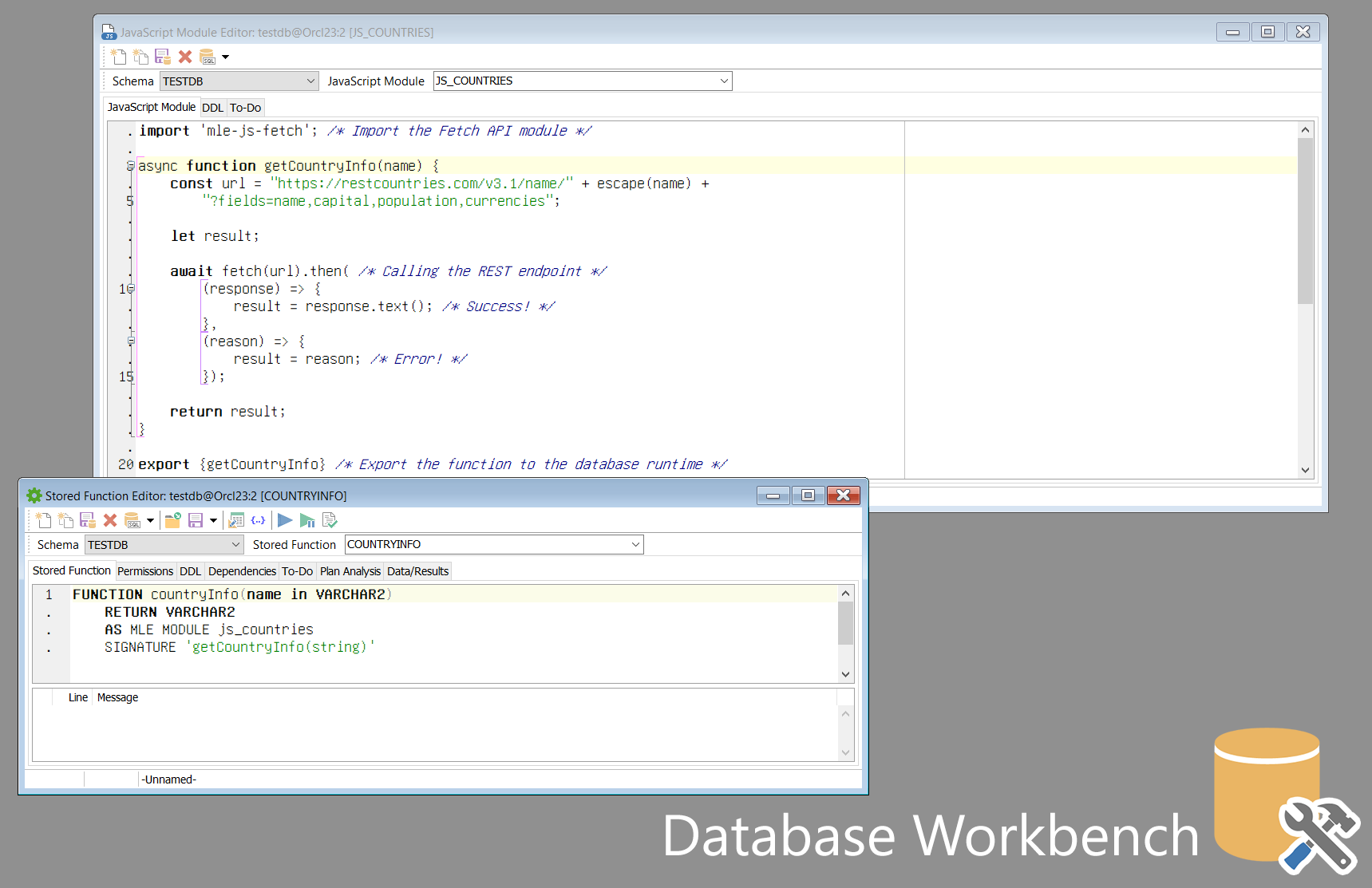
This release introduces support for Oracle 23 Domains, Vector and Boolean datatypes, JavaScript stored routines and more.

Other changes include support for PostgreSQL 17, MariaDB 11.7 and MySQL 9.2, bugfixes and small new features.

Database Workbench supports the following database systems:
Firebird,
MySQL, MariaDB
✅ PostgreSQL
SQLite
✅ Oracle
✅ SQL Server
✅ NexusDB
InterBase

It includes tools for database design, database maintenance, testing, data transfer, data import & export, database migration, database compare and numerous other tools.

Red Expert became RDB Expert

You can join to the Telegram chat for discussion.

The development team has released a new version of the database management tool. 

Now our tool is called RDB Expert. The updated name emphasizes the tool’s focus on working with RedDatabase. Don’t worry, we will continue to support Firebird.

What’s new?

Fixed:

  1. Escaping keywords in the column name when creating a constraint for a table.
  2. Loading the client library when connecting to a database using the Jaybird 4 driver.
  3. Updating the list of database generators in the object tree when executing a CREATE | DROP query with the GENERATOR keyword instead of SEQUENCE.
  4. Updating toolbar buttons state when establishing / releasing a connection.
  5. Unexpected opening of new query editor when calling auto-completion context menu using WIN + SPACE key combination.
  6. Displaying the number of objects for empty nodes in the connection tree.

View the full list of updates and download

Jaybird 5.0.10 released

We are happy to announce the release of Jaybird 5.0.10, providing a bug fix. Jaybird is the Firebird JDBC driver.

The following was fixed or changed since Jaybird 5.0.9:

  • Fixed: Negative buffer size on Firebird 2.5 if information response is 32KiB or greater (#894)

Bug reports about undocumented changes in behavior are appreciated. Feedback can be sent to Firebird-java or reported on the issue tracker https://github.com/FirebirdSQL/jaybird/issues.

Jaybird 5 supports Firebird 2.5, Firebird 3.0, Firebird 4.0, and Firebird 5.0, on Java 8, Java 11, Java 17, Java 21, and Java 24 (support for Java 11 and higher using the Java 11 version of the driver). 

See also:
Jaybird 6.0.3 and Jaybird 5.0.9 released

We are happy to announce the release of Jaybird 6.0.3 and Jaybird 5.0.9, providing bug fixes. Jaybird is the Firebird JDBC driver.

Changes

The following was fixed or changed in Jaybird 6.0.3:

  • Fixed: statement close could cause a hang of the connection (#876)
  • Fixed: ResultSet move incorrectly closes input Clob (#880)
  • Fixed: Batch execution with multiple empty strings resulted in error “Repeated blob id 0:0 in registerBlob()” (#888)
  • Dependency update: updated org.bouncycastle:bcprov-jdk18on from 1.80 to 1.81 (used by chacha64-plugin) (#889)
  • Fixed: On Java 24, Connection.abort, Connection.setNetworkTimeout, and OperationMonitor.initOperationAware always throw “java.lang.SecurityException: checking permissions is not supported” (#890)

The following was fixed or changed in Jaybird 5.0.9:

  • Fixed: ResultSet move incorrectly closes input Clob (#881)

Bug reports about undocumented changes in behavior are appreciated. Feedback can be sent to Firebird-java or reported on the issue tracker https://github.com/FirebirdSQL/jaybird/issues.

Jaybird 6.0.3

Jaybird 6 supports Firebird 3.0, Firebird 4.0, and Firebird 5.0, on Java 17, Java 21, and Java 24.

See also:

Jaybird 5.0.9

Jaybird 5 supports Firebird 2.5, Firebird 3.0, Firebird 4.0, and Firebird 5.0, on Java 8, Java 11, Java 17, Java 21, and Java 24 (support for Java 11 and higher using the Java 11 version of the driver). 

See also:
Database Workbench 6.8.0 released

Upscene Productions is proud to announce the availability of the next release of the popular multi-DBMS development tool:

“Database Workbench 6.8.0”

This release introduces support for Oracle 23 Domains, Vector and Boolean datatypes, JavaScript stored routines and more.

Other changes include support for PostgreSQL 17, MariaDB 11.7 and MySQL 9.2, bugfixes and small new features.

Database Workbench supports Firebird, MySQL, MariaDB, PostgreSQL, SQLite, Oracle, MS SQL Server, SQL Azure, NexusDB and InterBase.

It includes tools for database design, database maintenance, testing, data transfer, data import & export, database migration, database compare and numerous other tools.

Database Workbench 6 comes in 3 different editions with different pricing models, there’s always a version that suits you!

There’s also free Lite Editions available for Firebird and MySQL.

RED EXPERT 2025.07 HAS BEEN RELEASED

You can join to the Telegram chat for discussion.

New version of Red Expert 2025.07 is available.

What’s new?

Improved:

  1. Metadata Export / Compare tool

Fixed:

  1. High CPU and RAM load when CTRL is held down in the Query Editor
  2. Infinite reconnecting to DB using certificate
  3. Editing table columns with encoding and dimensions
  4. Editing database users
  5. Loading table triggers in Firebird 2.5
  6. Loading procedure parameters
  7. Loading table constraints
  8. Creating a database backup by overwriting an existing file
  9. Restoring Query Editor tabs after restarting the application
  10. Loading drivers for connections containing spaces in the path
  11. Application hangs when working with unsupported DBMS
  12. Displaying hints for password input field
  13. Displaying the database statistics

Download and install the new version.

1 2 3 149