Firebird 3.0.13 / 4.0.6 / 5.0.3 for QNAP NAS
Firebird 3.0.13 / 4.0.6 / 5.0.3 for Intel QNAP NAS can be downloaded via the follow link
Firebird 3.0.13 / 4.0.6 / 5.0.3 for Intel QNAP NAS can be downloaded via the follow link
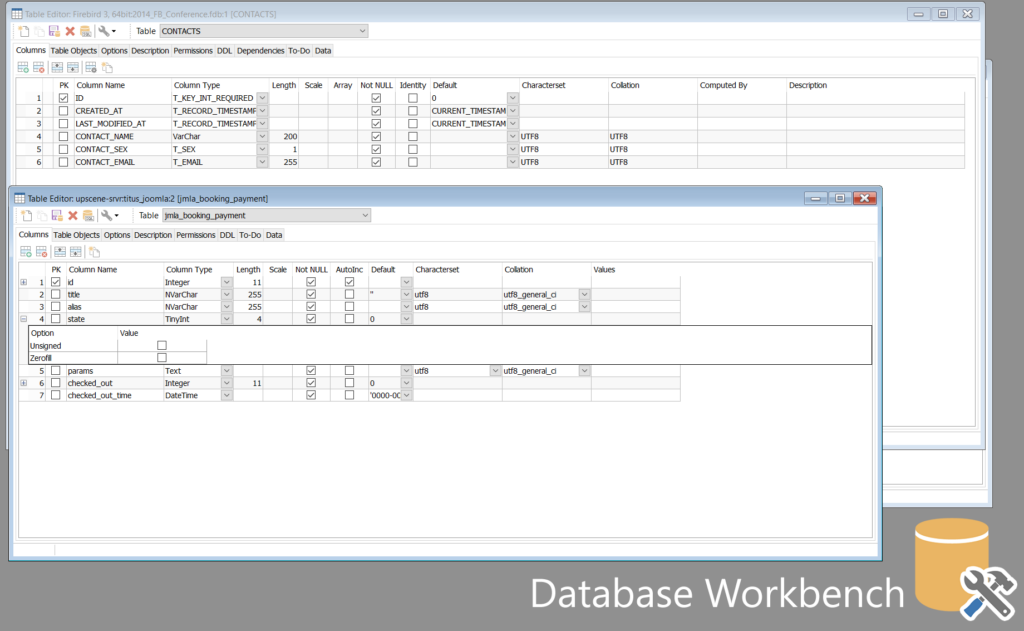
Upscene Productions is proud to announce the availability of a free feature limited version of Database Workbench 6.7.0 Lite Edition, for personal non-commercial use. Download it here. There’s a version for Firebird and a version for MySQL.
For details on the feature differences between editions, see this feature matrix.
“Database Workbench is used by thousands of developers around the world, we’re making it available to hobbyists too”, says Martijn Tonies, founder of Upscene Productions. “Everyone can now use the free Lite Edition for personal non-commercial use.”
Database Workbench Basic and up support MySQL, MariaDB, Firebird, Oracle, SQL Server, PostgreSQL, NexusDB, SQLite and InterBase, comes in multiple editions and is licensed based on selectable modules.
It includes tools for database design, database maintenance, testing, data transfer, data import & export, database migration, database compare and numerous other tools.
You can join to the Telegram chat for discussion.
New version of Red Expert 2025.06 is available.
What’s new?
Required Java version has been updated to 21 LTS.
Java is supplied with the application now.
Added:
Fixed:
Download and install the new version.