
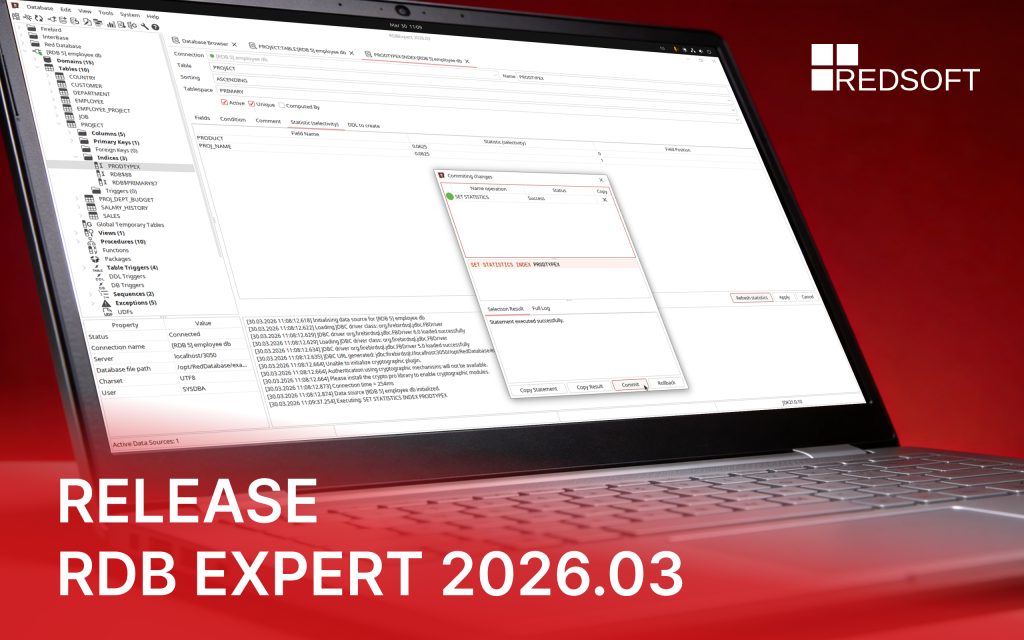
RDB EXPERT 2026.03

You can join to the Telegram chat for discussion.

RDB Expert has received an update that includes the following:

Added:

  1. “Silent” application installation mode on Linux (using the “–quiet” flag).
  2. Option to automatically expand the connections tree when establishing connection to the database.
  3. Option to recalculate selectivity for the editing index.

Fixed:

  1. Duplicating events in the “Trace Manager” panel.
  2. Saving ER-diagrams with a header block to a file.
  3. Parsing and formatting SQL queries with Q-quoted string literals.
  4. Reloading connections tree when creating/deleting a database index.
View the full list of updates and download

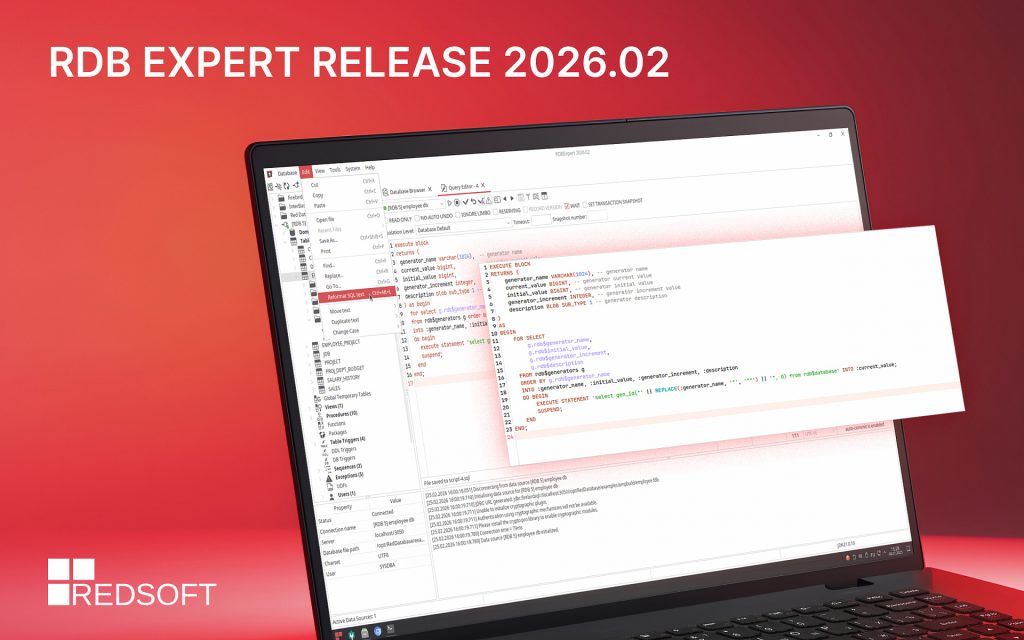
RDB Expert 2026.02 has been released

You can join to the Telegram chat for discussion.

We are pleased to present the release, which has improved the tool for automatic formatting of SQL code and added an interface for analyzing trace messages. We also fixed a number of errors related to freezes when creating backups, incorrect display on HiDPI monitors, and editing database objects.

Added:

1. New SQL code formatting library

2. Interface for viewing RDB$TRACE_MSG messages

3. Customizable hint application key in the query editor

Fixed:

1. Changing the tablespace and SQL SECURITY when editing a table

2. Interface freezes when creating a backup copy/restoring a database

3. Opening trace files generated by the Trace Manager for analysis

View the full list of updates and download

RDB Expert 2026.01 has been released

You can join to the Telegram chat for discussion.

What’s new?

Added:

— A new tab system with an updated design and the tabs reordering ability.

— Restarting the database generator from an initial value.

— Changing the current value of the database generator.

Fixed:

— Determining the process identifier (pid) and executable file when connecting to a database.

— Creating multiple processes when running a single application instance.

— Error committing / rolling back a transaction in a newly opened Query Editor.

View the full list of updates and download

RDB Expert 2025.11 has been released

You can join to the Telegram chat for discussion.

What’s new?

Added:

  1. Ability to delete and recreate a database.

Fixed:

  1. Errors preventing new database creation.
  2. Procedure parameters disappearing after recompile.
  3. Protocol version used when connecting to a database in native mode.
  4. Prematurely saving connection parameters when the connection panel loses focus.
  5. Navigating to a database object from the Query Editor if its name is not unique.

View the full list of updates and download

RDB Expert 2025.10 has been released

You can join to the Telegram chat for discussion.

The development team has released a new version of the database management tool. In this release, special attention was paid to the refinement of existing tools.

What’s new?

Due to the new product name, the installers for Windows and Linux have been updated.

The Jaybird 5 driver has been updated to version 5.0.27.

Added:

  1. Ability to work with DDL rights and system privileges in the Grant Manager.
  2. Displaying dependencies for exceptions.

Fixed:

  1. “Invalid time zone region” exception when connecting to a database using the Jaybird 5 driver.
  2. Toggle the database trigger activity state via the context menu in the connections tree.
  3. Saving and restoring Query Editor tabs when establishing / releasing a database connection.
  4. Application shortcut updating on the desktop for different interface languages.
  5. Prematurely saving connection parameters before clicking the “Save” or “Connect” button.

View the full list of updates and download

Red Expert became RDB Expert

You can join to the Telegram chat for discussion.

The development team has released a new version of the database management tool. 

Now our tool is called RDB Expert. The updated name emphasizes the tool’s focus on working with RedDatabase. Don’t worry, we will continue to support Firebird.

What’s new?

Fixed:

  1. Escaping keywords in the column name when creating a constraint for a table.
  2. Loading the client library when connecting to a database using the Jaybird 4 driver.
  3. Updating the list of database generators in the object tree when executing a CREATE | DROP query with the GENERATOR keyword instead of SEQUENCE.
  4. Updating toolbar buttons state when establishing / releasing a connection.
  5. Unexpected opening of new query editor when calling auto-completion context menu using WIN + SPACE key combination.
  6. Displaying the number of objects for empty nodes in the connection tree.

View the full list of updates and download